Follow the BLUE HAND to guide you through managing your account and booking classes.
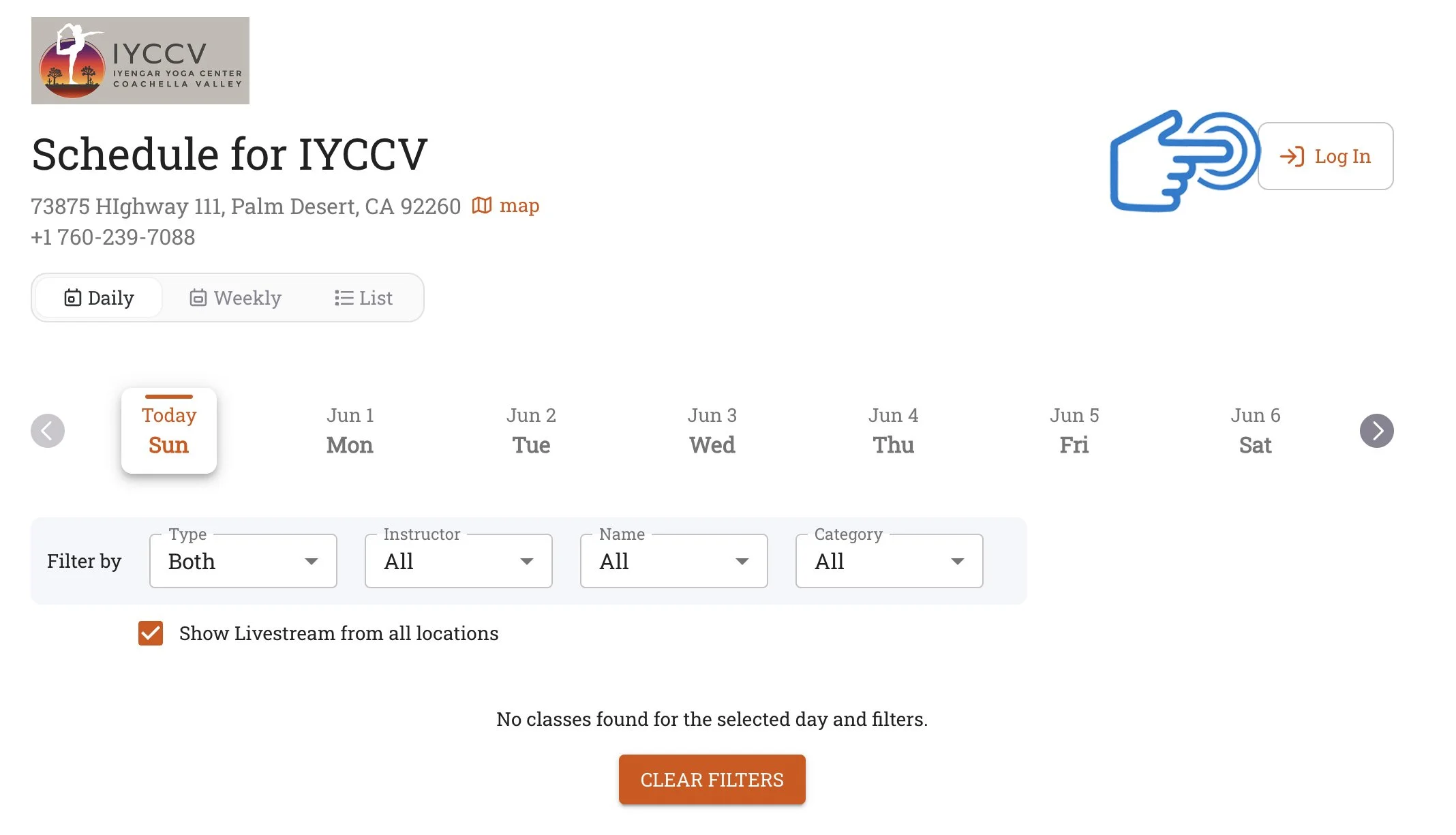
STEP 1
· Click the “Log In” button to create an account or log in to an existing account. · You will receive a confirmation email and a text message when you create a new account.
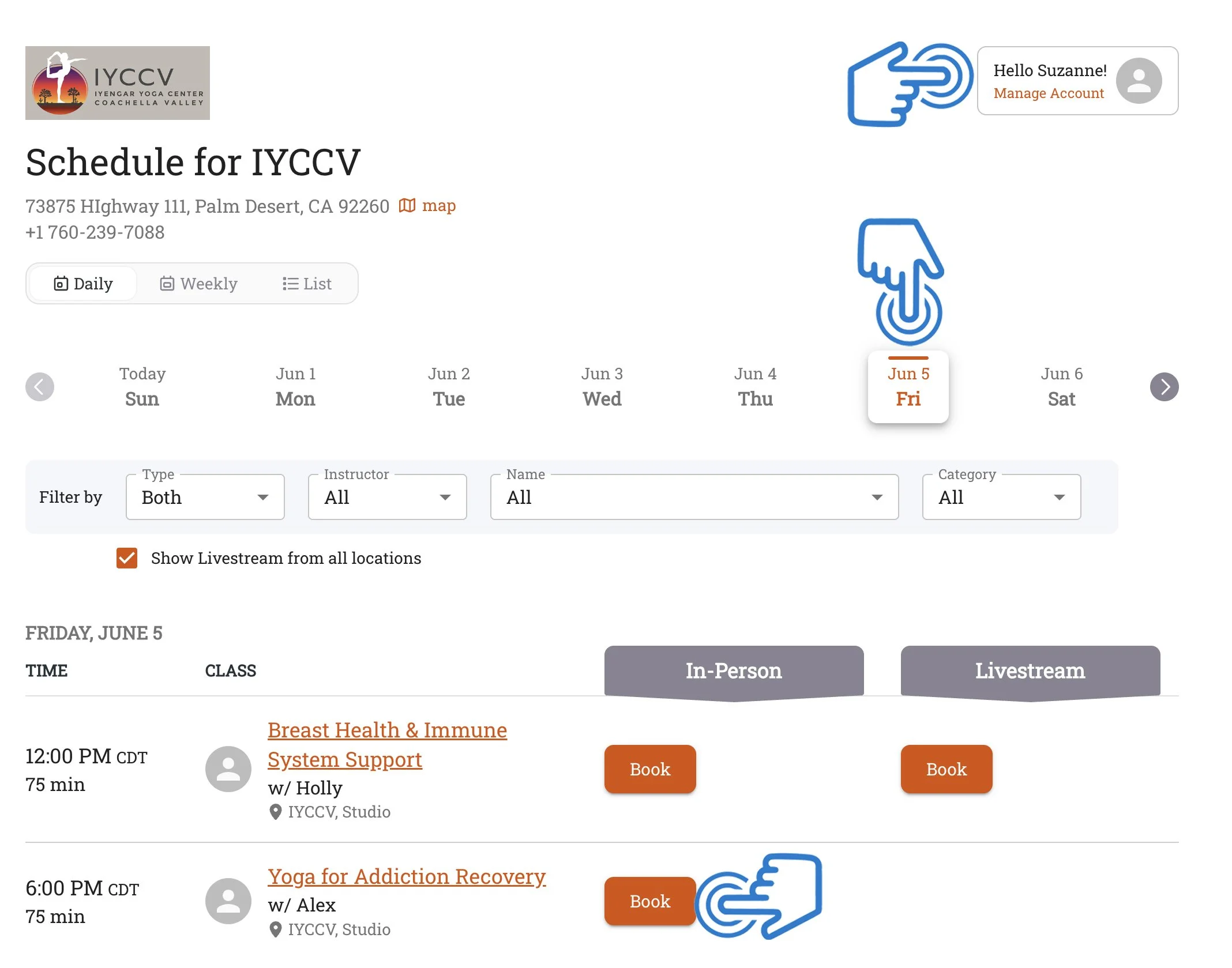
STEP 2
· You will see your name on the top right once you have created an account. · You can choose to see classes by day, week, or a full list. · Select your class and click the orange “Book Now” button to select the class.
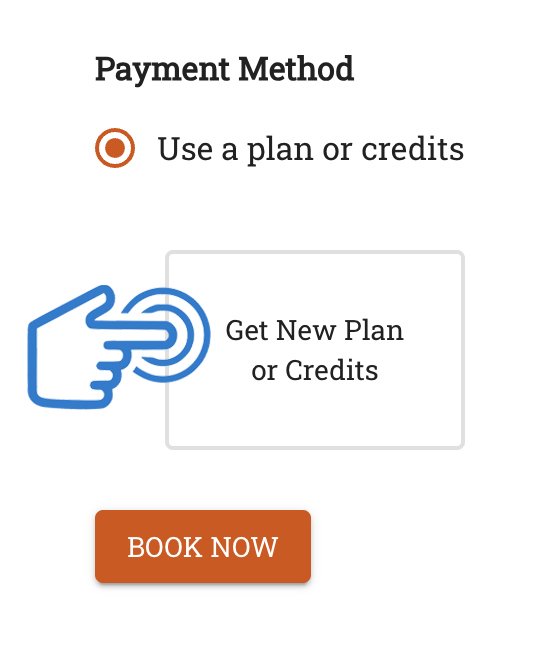
STEP 3
· All IYCCV Classes are offered FREE of charge, but donations can be made through this next step. · Choose “Get New Plan or Credits”.
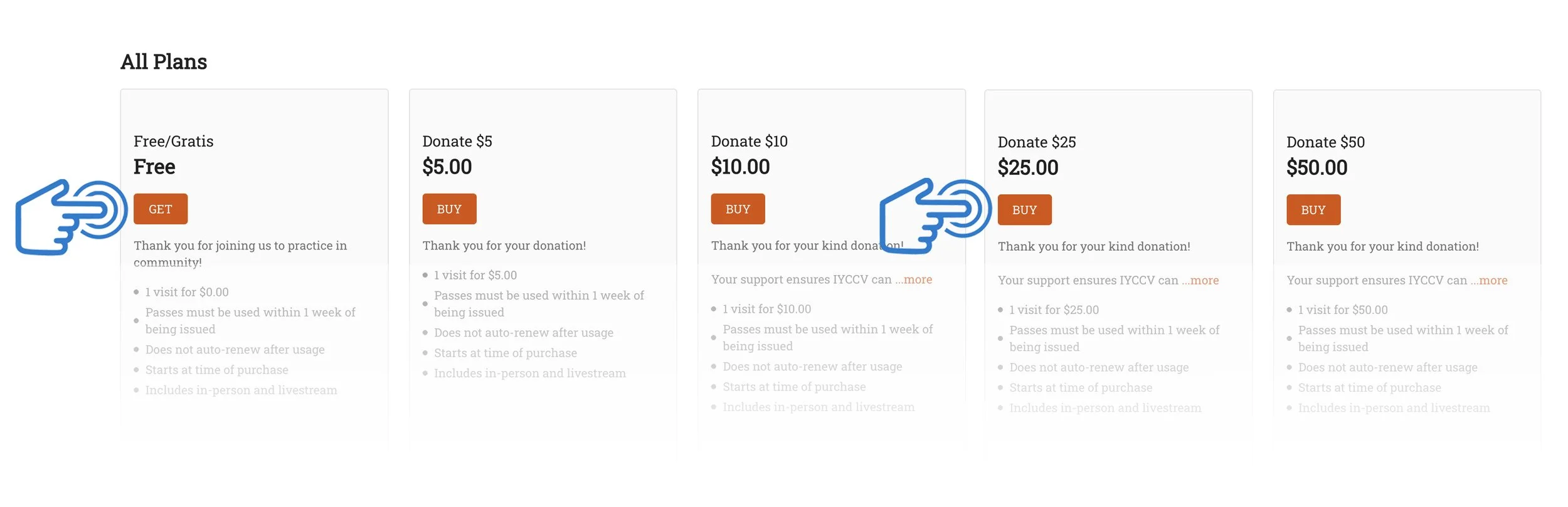
STEP 4
· You can sign up for FREE or choose a Donation Amount. Make your selection and click the orange button.
STEP 5
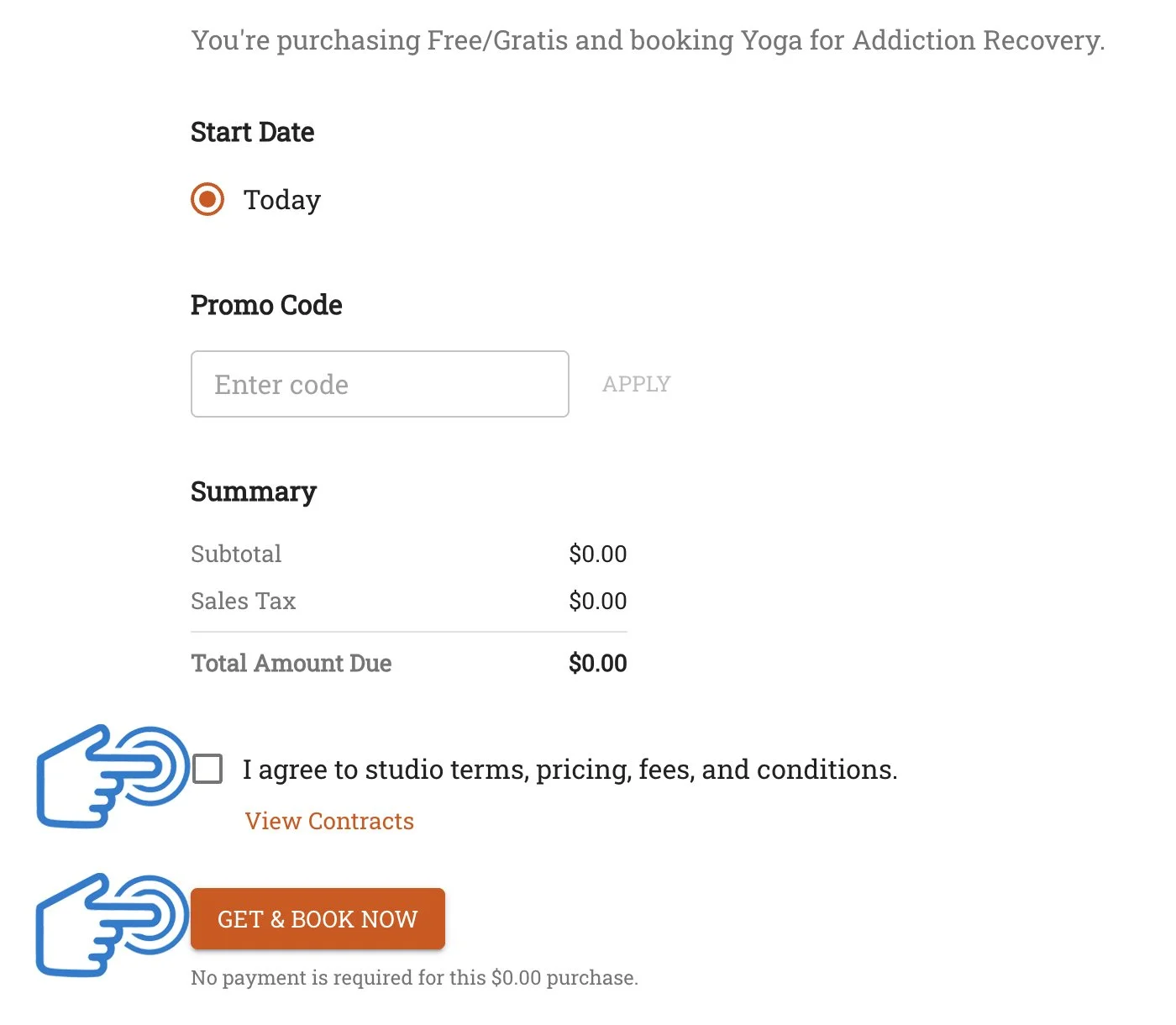
· You will then see what you have selected. · Agree to the terms and click “Get & Book Now”.
STEP 6
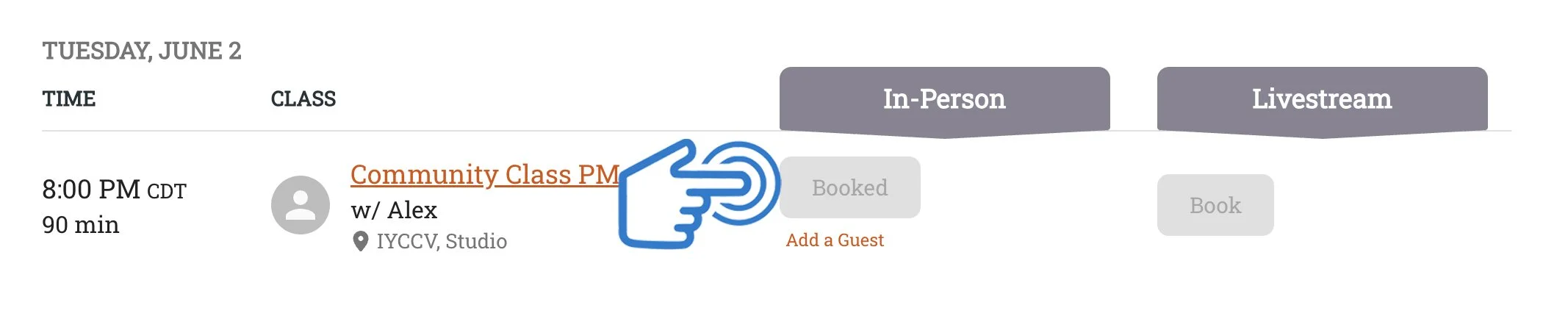
· The class appear as a gray button as “Booked” when you are logged into your account. · You will receive a confirmation email and a text message when you book a class.